Next year, by hook or by crook, I’m getting a muley tag and taking the swagger outta this guy….
Yeah, he’s prowling around up there looking for some action….

Next year, by hook or by crook, I’m getting a muley tag and taking the swagger outta this guy….
Yeah, he’s prowling around up there looking for some action….
I’m very much enjoying the Starlink/Jackery/Eufy combo that lets me sit at my desk at work and periodically look at the Beta Site and, in that way, make my time at work a bit less tedious and pointless. I will have a much longer, detailed post at some point about how I set up the combo that has, so far, run the cameras pretty much non-stop for the last couple months.
But…
I usually mount the cameras to a handy tree. I have a lot of them (trees, that is) so it makes sense to find one that is appropriate and simply bolt the camera to it and let ‘er rip. But, sometimes it isnt that easy. I have to find a camera mounting point that is close to the area I want to cover, has a tree nearby enough to suit my needs, the line of sight has to be free of obstructions, and the branches have to be sparse enough that if I put the camera high up it isn’t obstructed. Sometimes that just isn’t possible and I have to compromise.
Necessity being the mother of invention, I tried to figure out what to do and, in the process, I accidentally basically created my own Flock camera.
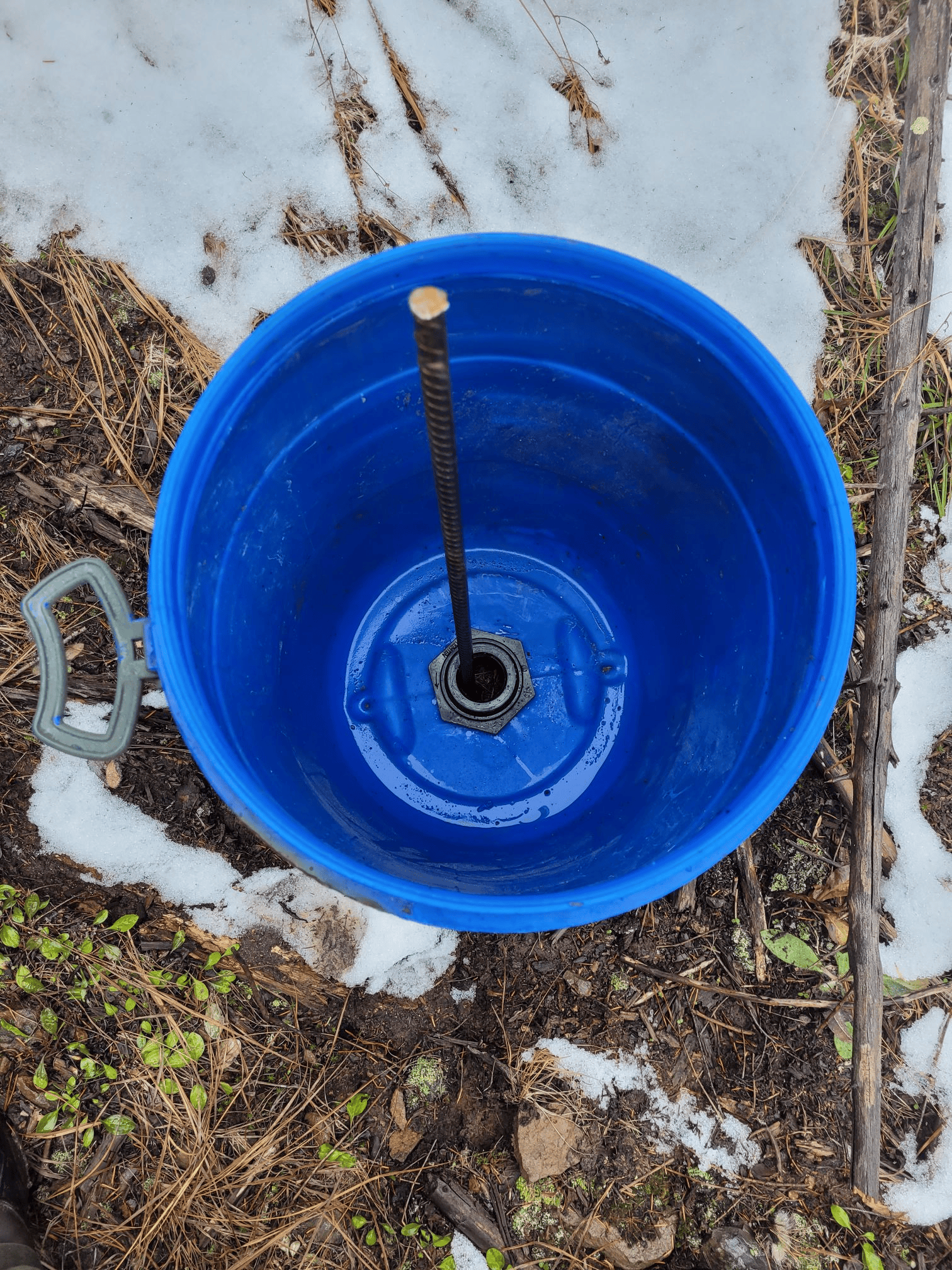
I picked up some 15-gallon blue barrels off Facebook Marketplace and set one aside for experimental purposes. First thing I did was cut a hole in the bottom of the barrel and install a bulkhead for 1.5″ PVC pipe.

After that, I found a piece of 9′ PVC pipe that someone had scrapped and threw a threaded male adapter on the end.
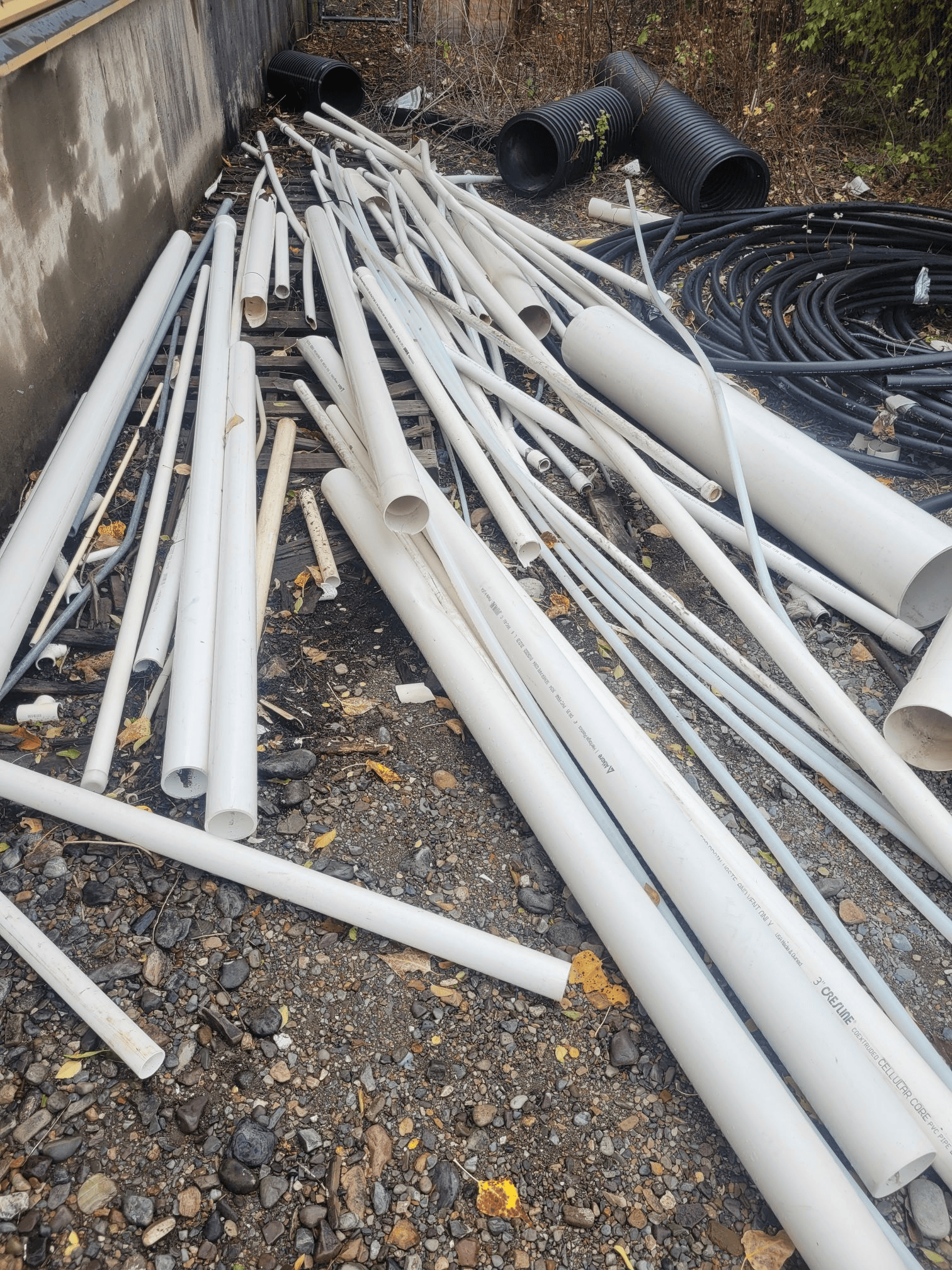
That threaded end got screwed into the inside bottom of the barrel. So, you now have a barrel with a pipe sticking straight up out of it. Threw a couple 50# sandbags into the barrel on either side of the pipe to give it weight and ballast. Cut a hole in the barrel lid for the pipe and slid it down the pipe until it was snapped shut on the barrel mouth…there is now a sealed barrel with a pipe sticking up out of it. Slapped a tee at the top of the pipe to hang the camera and solar panel from and we’re done.
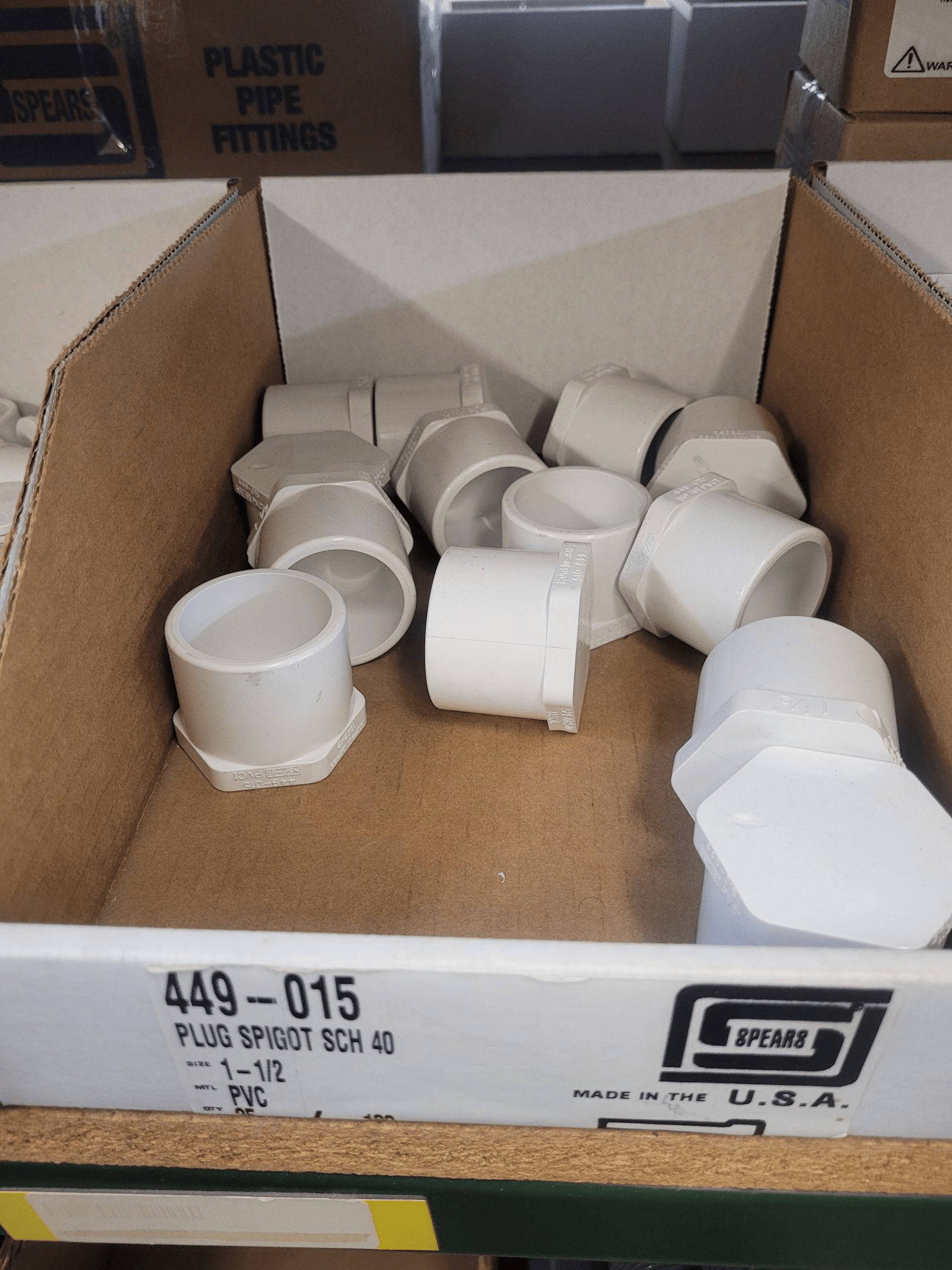
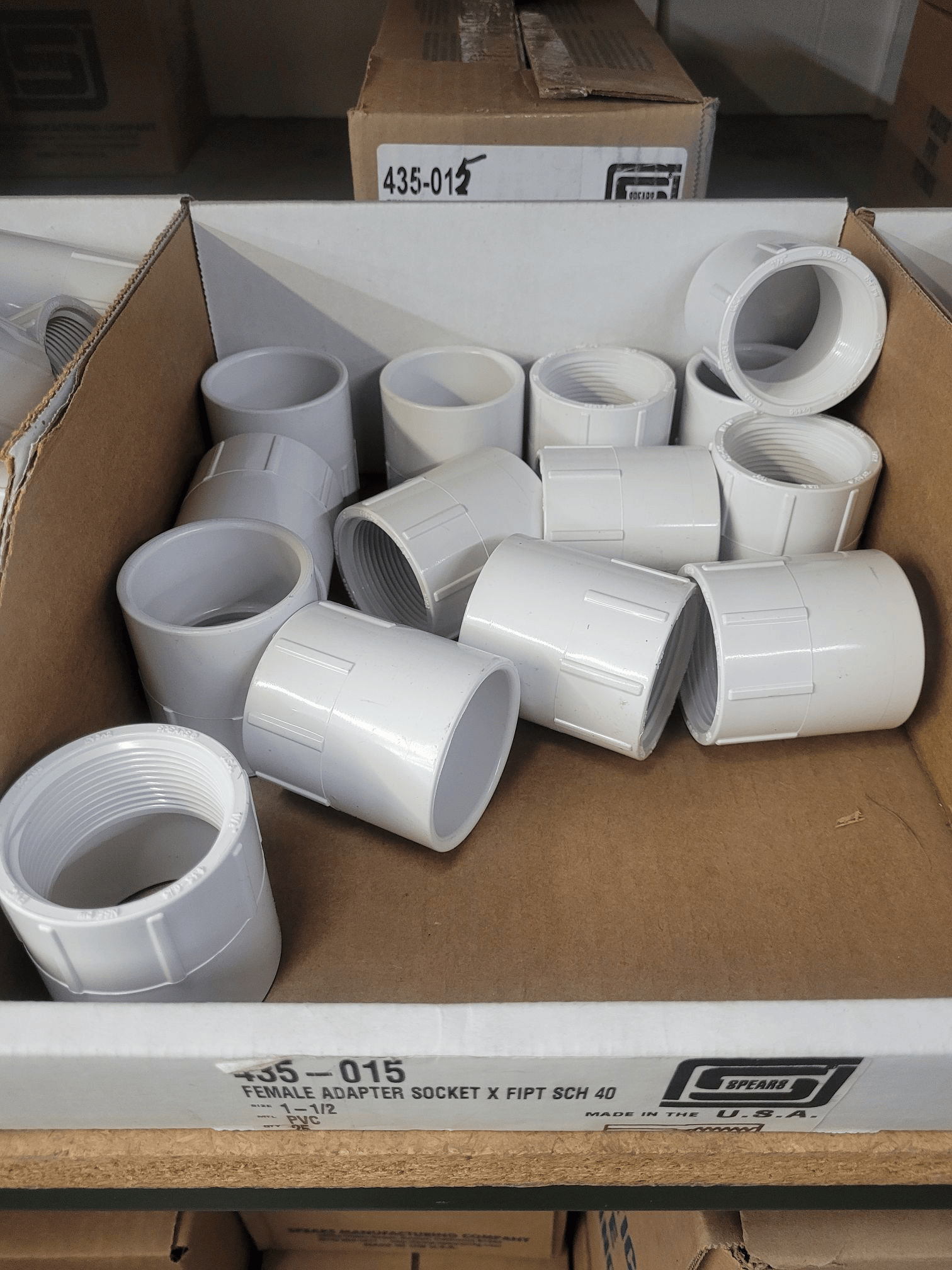
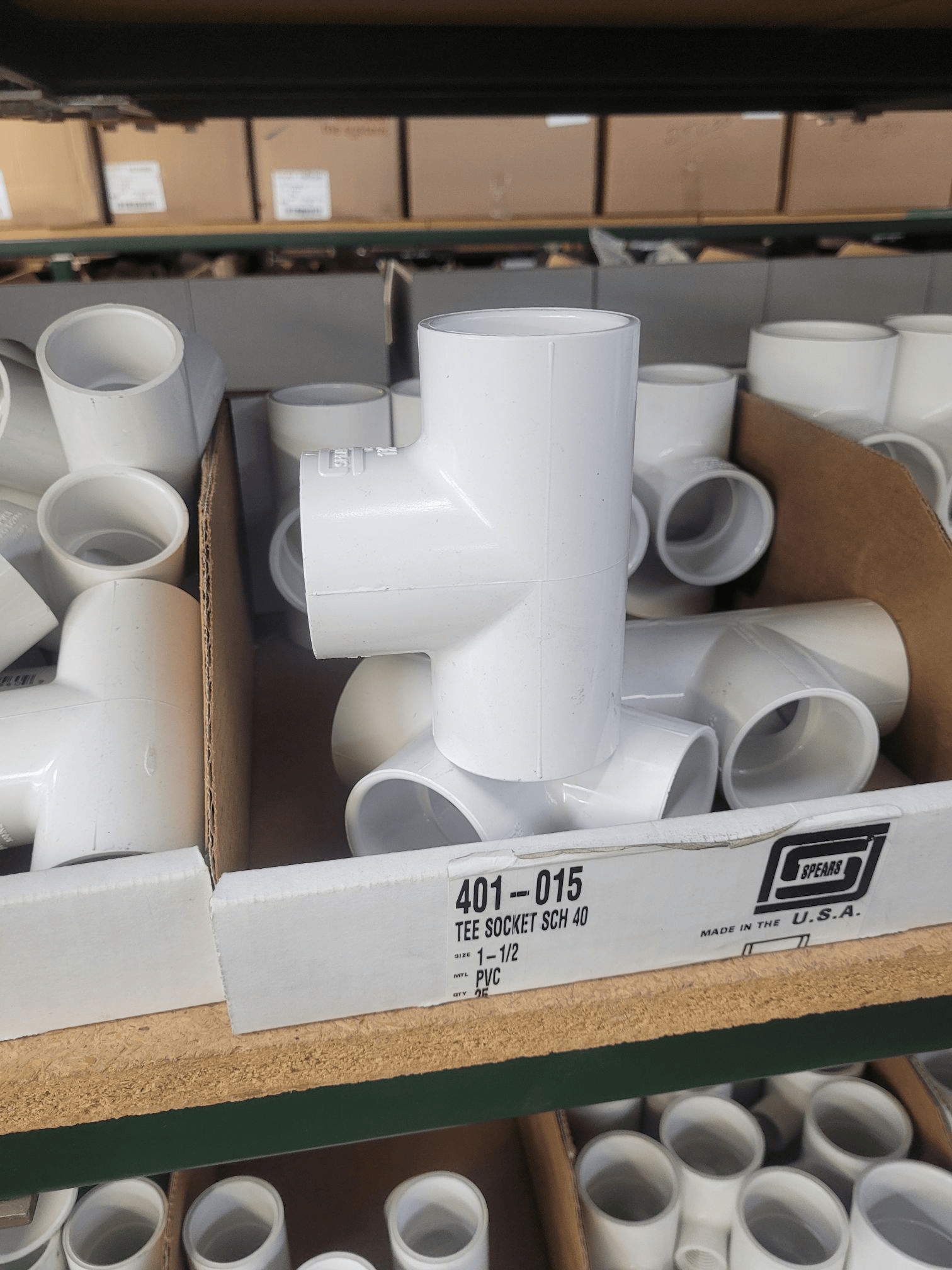 And when I saw it standing there in all of its Orwellian glory I realized I had just built a very Flock-looking device that was sure to attract attention if I left it in my yard. So..disassemble for transport.
But…not before we spraypaint everything camo so it doesn’t stick out too badly in the woods. I’ll screw some 2×4 to the bottom of the barrel as outriggers for a little extra stability and then I’ll have a portable put-it-anywhere camera setup to move around the Beta Site as needed.
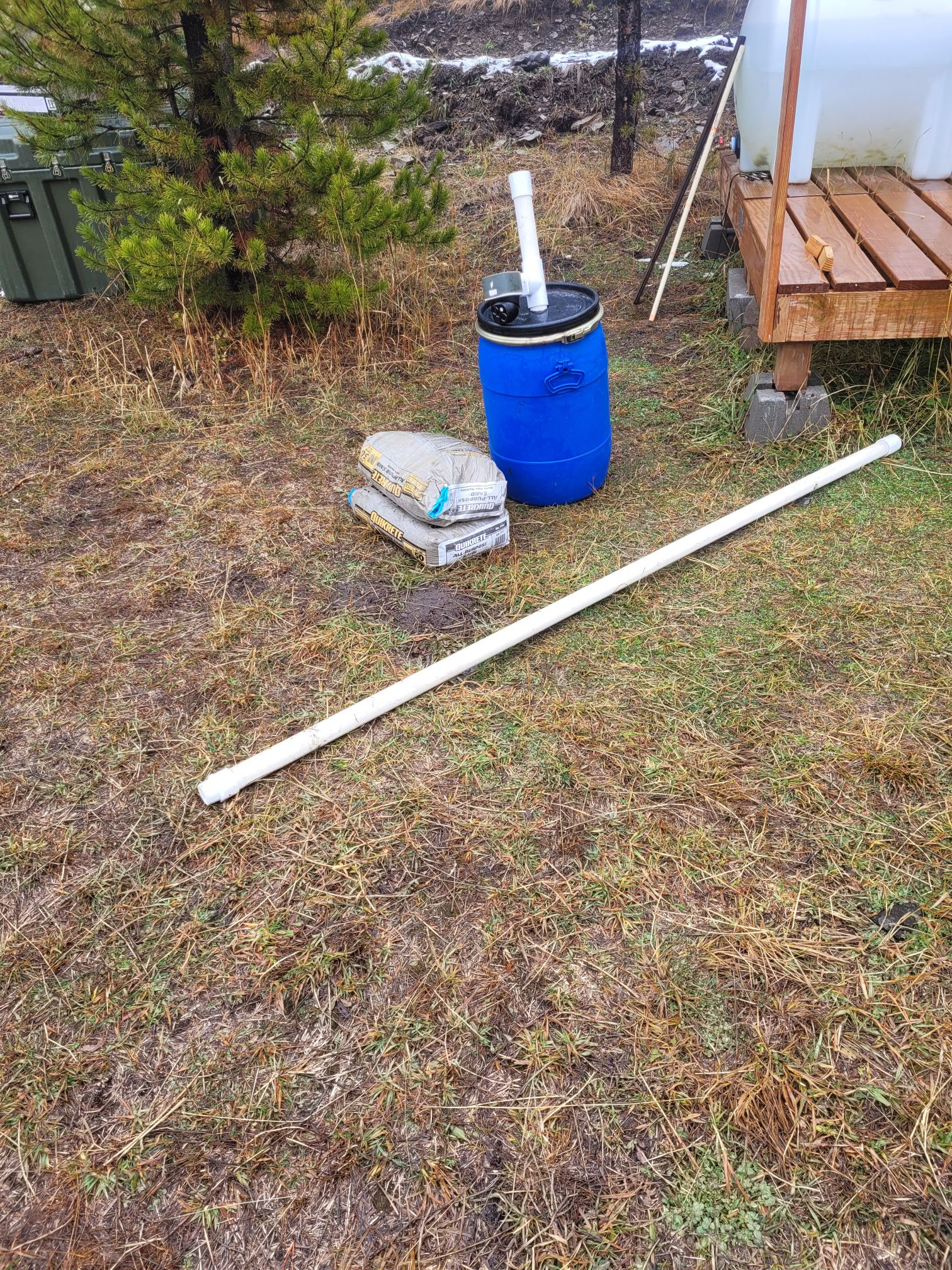
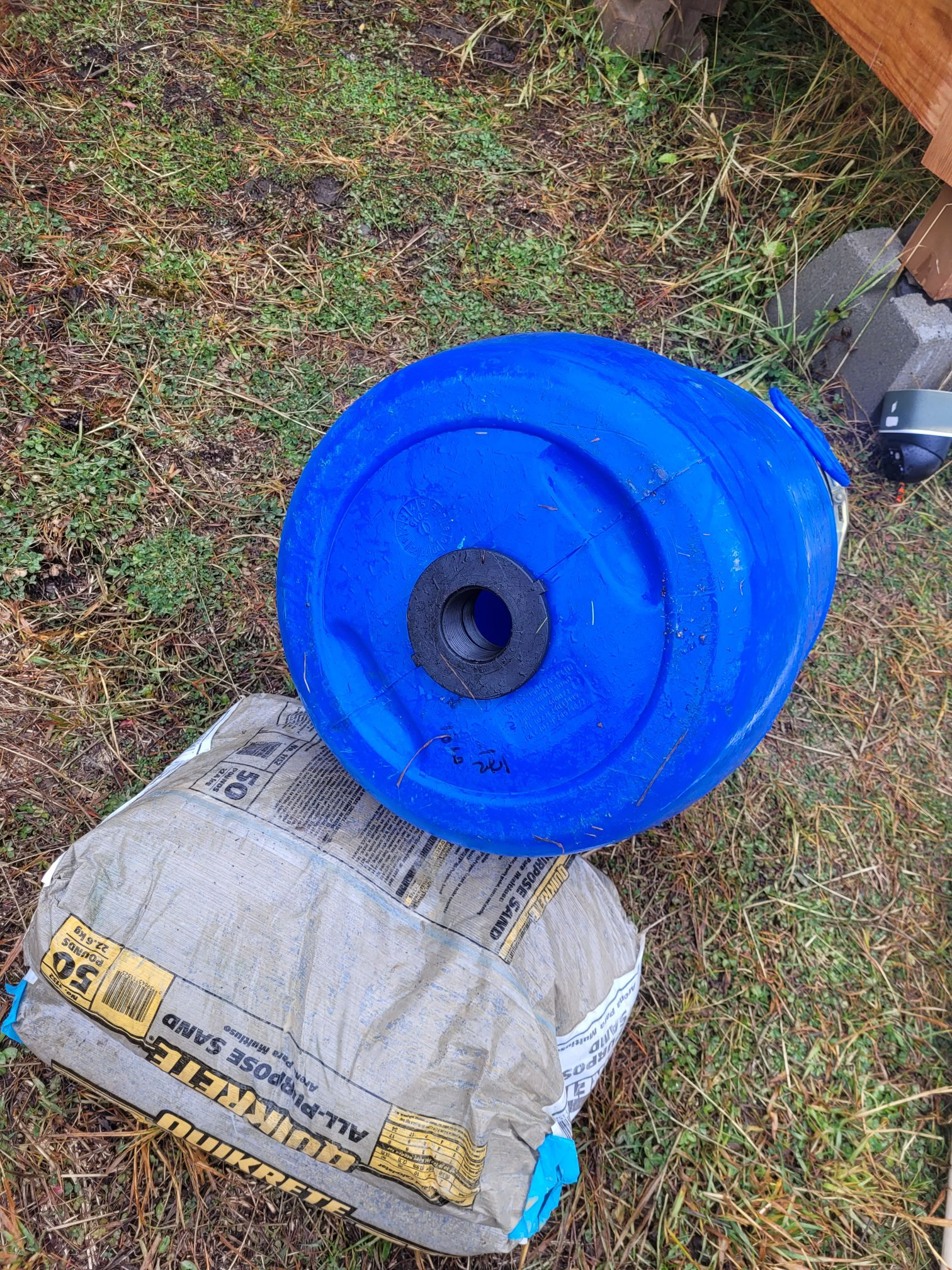
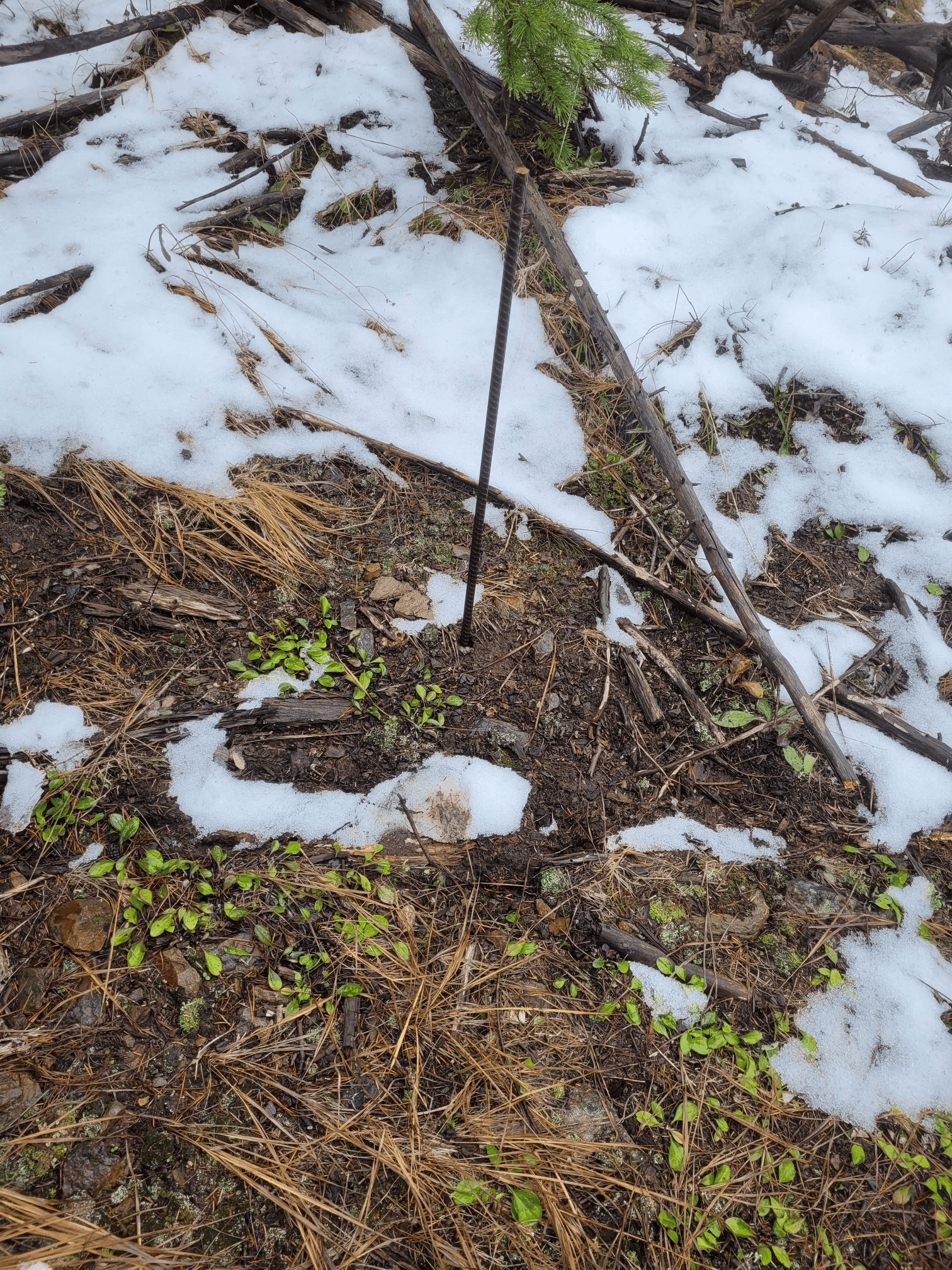
 And, of course, while I was up there I did my circuit of cameras and downloaded all the images for review. The usual assortment of mule deer, but…a return visitor we havent seen in a while:
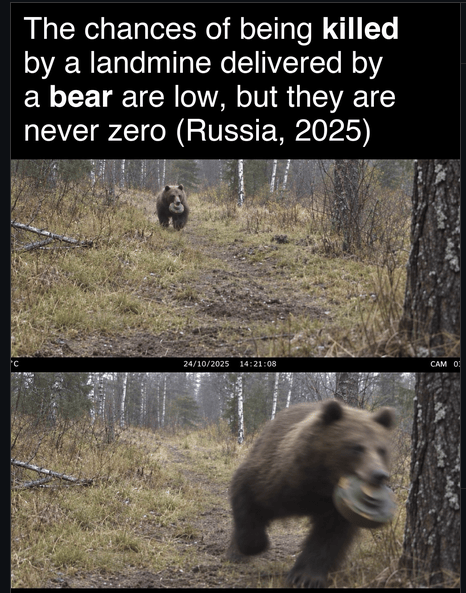
 A mountain lion. Datestamp says he was up there last Tuesday. I’m telling you, guys…its a gorram zoo up there. But at least he’s not running around with anti-tank mines….
Well, the plan was to head up to the Beta Site and get a few things done. Didn’t go that way. But, as always, lessons were learned.
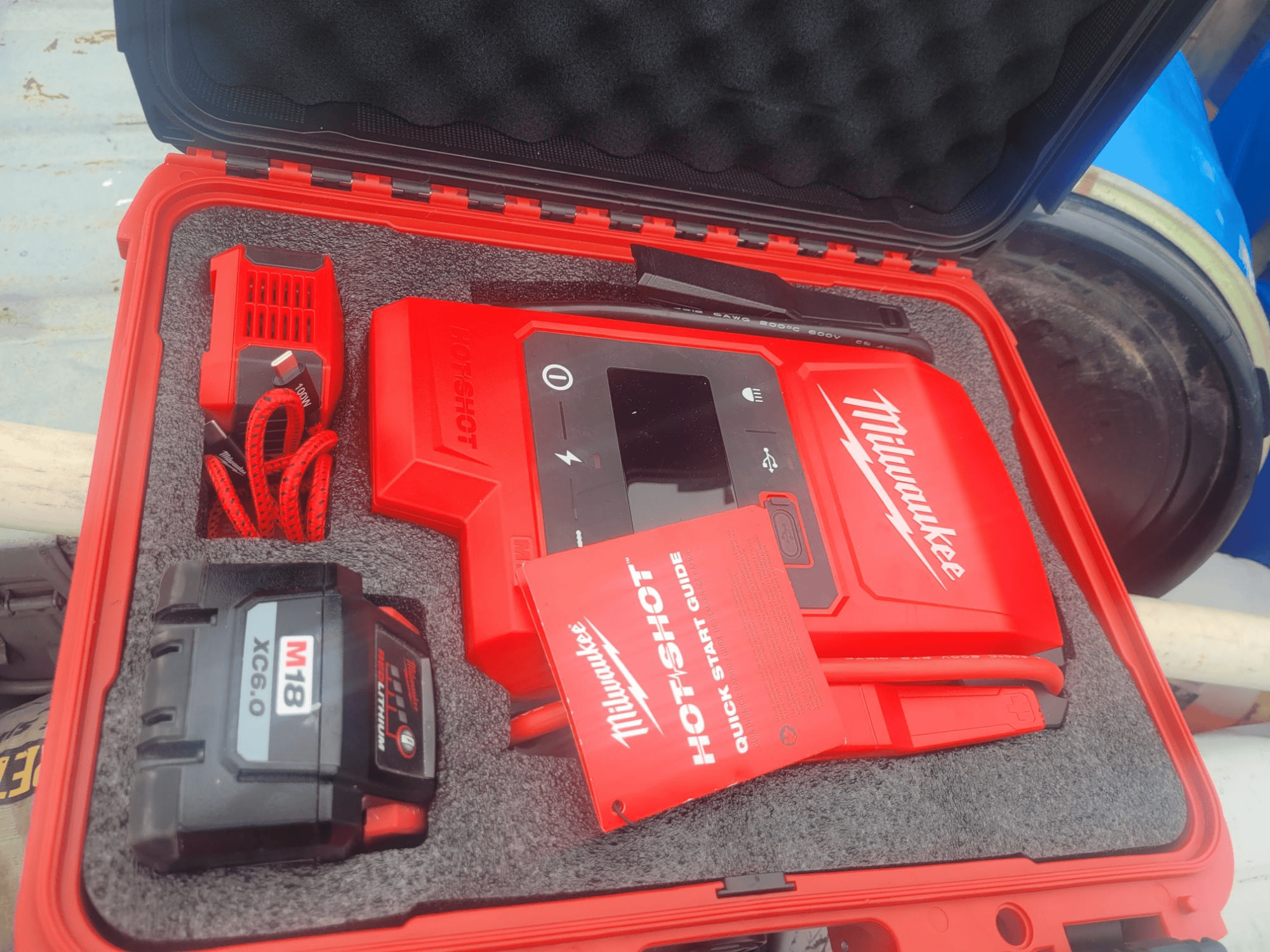
I was on my way out of town when I realized I had forgotten to pick up some C-clamps. Since I was only a few blocks from Lowes, I swung by there, got what I needed, got back to the truck, put the key in, and..grrrgrrclickclickclick. Okay, it appears we have a battery issue. Fortunately, I was prepared for this. A few months ago I purchased a Milwaukee jump pack to keep in the truck for just such a crisis. Ir runs on the same M18 batteries all my other tools run on, so it seemed to make sense. Gear is only good when it works, so I picked up a protective case to protect the unit, battery, and accessories. I put a charged M18 battery in the case, taped a note on the case telling me when the battery was last charged (so I know when to inspect it. Check your gear, guys!), and tucked it away in the truck box. And today, I got to vindicate the expense and effort.
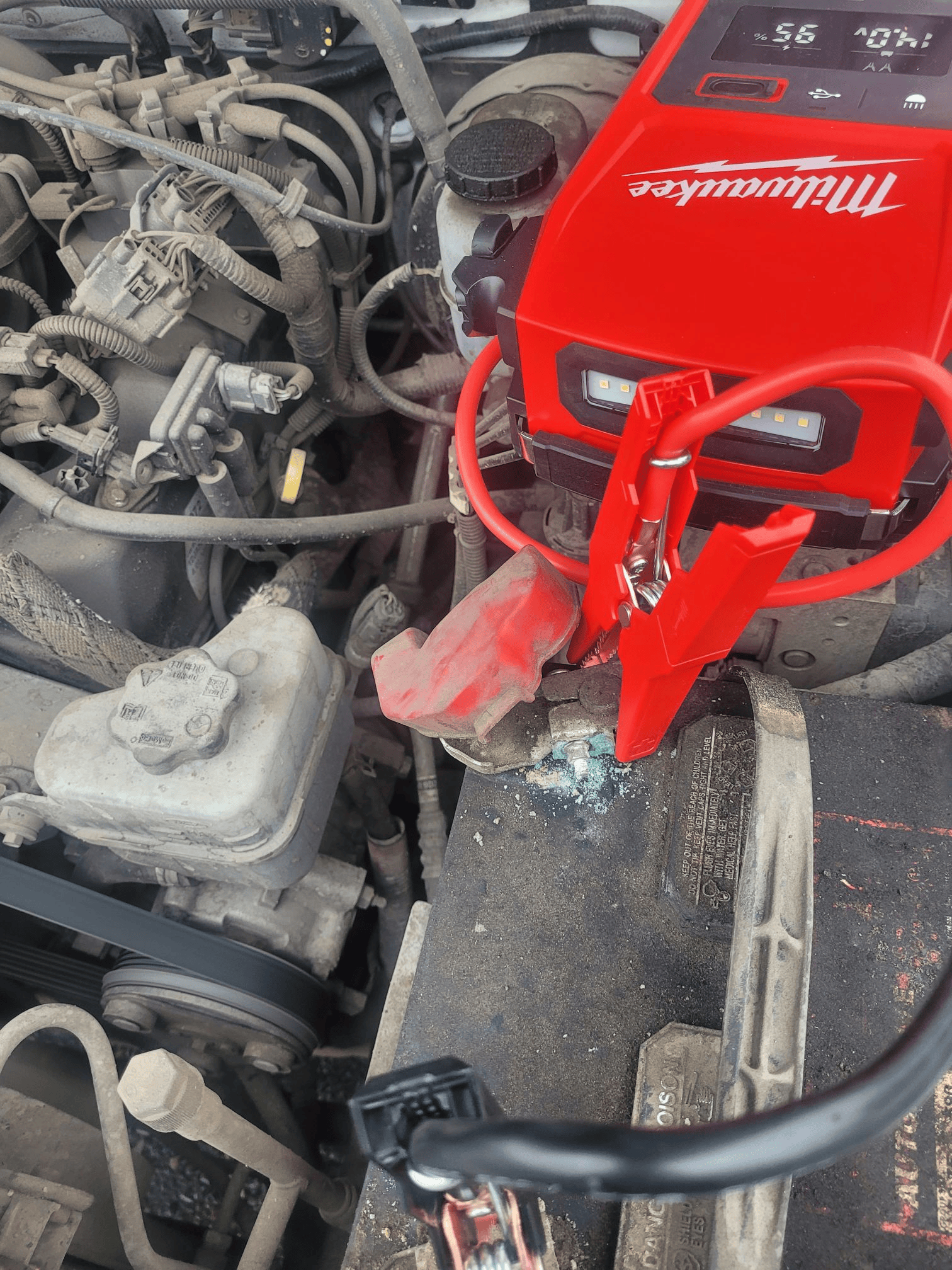 Once I had the engine running, I headed over to CostCo to get a new battery. Interestingly, CostCo was out of my particular battery size. Okeyfine, headed over to Napa and grabbed one. Got it put in and everything seems to work out fine.
But…while I am not a terribly superstitious person, I do accept the possibility that this is the universe telling me ‘dont go there today’. Is there anything up there today that won’t be there tomorrow? No. Is there anything I need to do that can’t be done tomorrow? No. So is there any practical reason, other than weather, that I should go today instead of tomorrow? Well…no. So why take unnecessary risk? I now have more time to get gear together, more time to review what I need to take up there, and more time to load the truck.
But…the lesson learned here was that having the jump pack in the truck was a worthwhile tactic. Sure, I was in a parking lot full of people and someone actually did offer to give me a jump start. But if this had happened up in the boonies it would be a different story…no one to rely on but yourself. So, have gear on hand just in case.
An interesting little article and video about storage of large quantities of food.
Fitting a year’s worth of food into a 960-square-foot cabin would be a challenge in almost any setup. That’s why a video from Katie, the content creator behind The Homesteading RD (@thehomesteadingrd), is drawing attention.
In the YouTube video, The Homesteading RD walks viewers through the system she uses to keep a 12-month food supply inside her small cabin. “It’s not easy to store a year’s worth of food in a 960 sq ft cabin,” Katie wrote in the caption.
An interesting little video for those of us who try to keep a large amount of food on hand.
Eventually the Beta Site will have a similar type of storage situation going on. At some point I’d like to have a garden area up there to take advantage of the short growing season, and perhaps a dug-in greenhouse.
It’s one of the unsexiest parts of survivalism, but you eat several times a day…every day..even when it isnt TEOTWAWKI. As a result, its probably a good idea to keep more than a little food on hand.
Went up to theBeta Site yesterday to go hunting. How’d I do? Didn’t see a thing, and enjoyed every moment of it. Why wouldn’t I? Im doing what I want, how I want, where I want, and every single thing I do is because I want to do it. Wanna just walk among the trees? I can do that. Wanna sit here with a rifle across my lap and see what walks along? Can do that, too. And everything I look at, every rock I step on, and every tree I lean against is mine….it stays there or gets removed at my whim. What’s not to enjoy?
Of course, when I go up there I swap out the camera batts and download images from the SD cards. Here’s the highlight reel:


 There’s a lot of wildlife activity up there, no two ways about it.
Speaking of hunting season, this interesting post came up in Reddit for Missoula. Apparently this same person is giving a workshop in November for game butchering.
It’s been a long time since I had to disassemble an ungulate, so it might behoove me (see what I did there?) to take a refresher course.
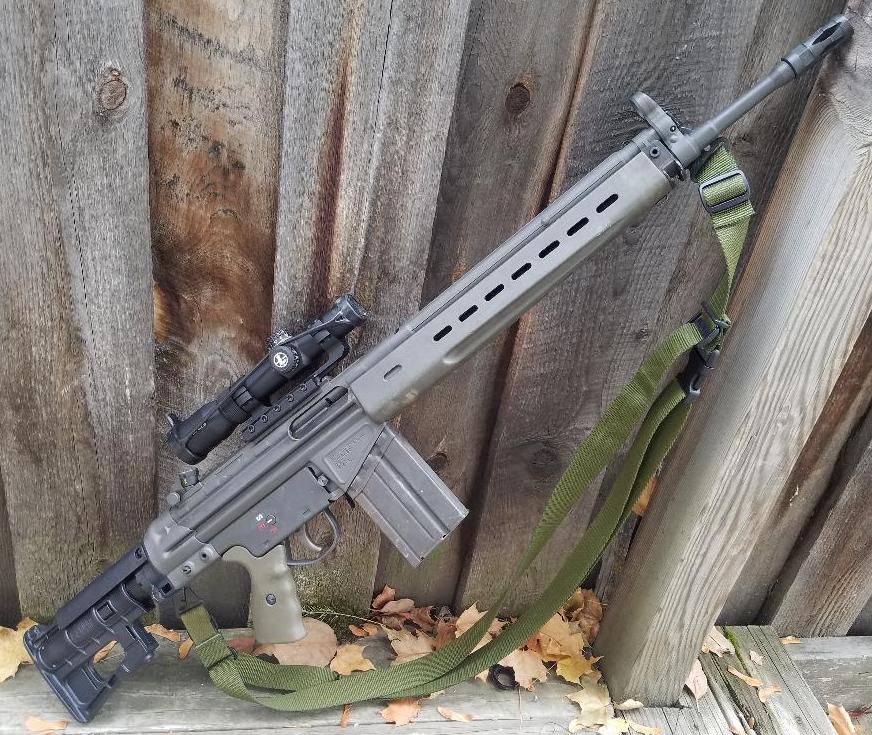
If anyone is curious, my hunting rifle this season is this beast. Is it the best hunting rifle I have? No, of course not. Most accurate? Nope. So why carry it? Thats an easy answer…because it gives me experience and practice carrying it around in the boonies while wearing a pack and other gear. Think of it as LARPing for the apocalypse with the added bonus of maybe bringing some meat home.
So whats missing from this picture?
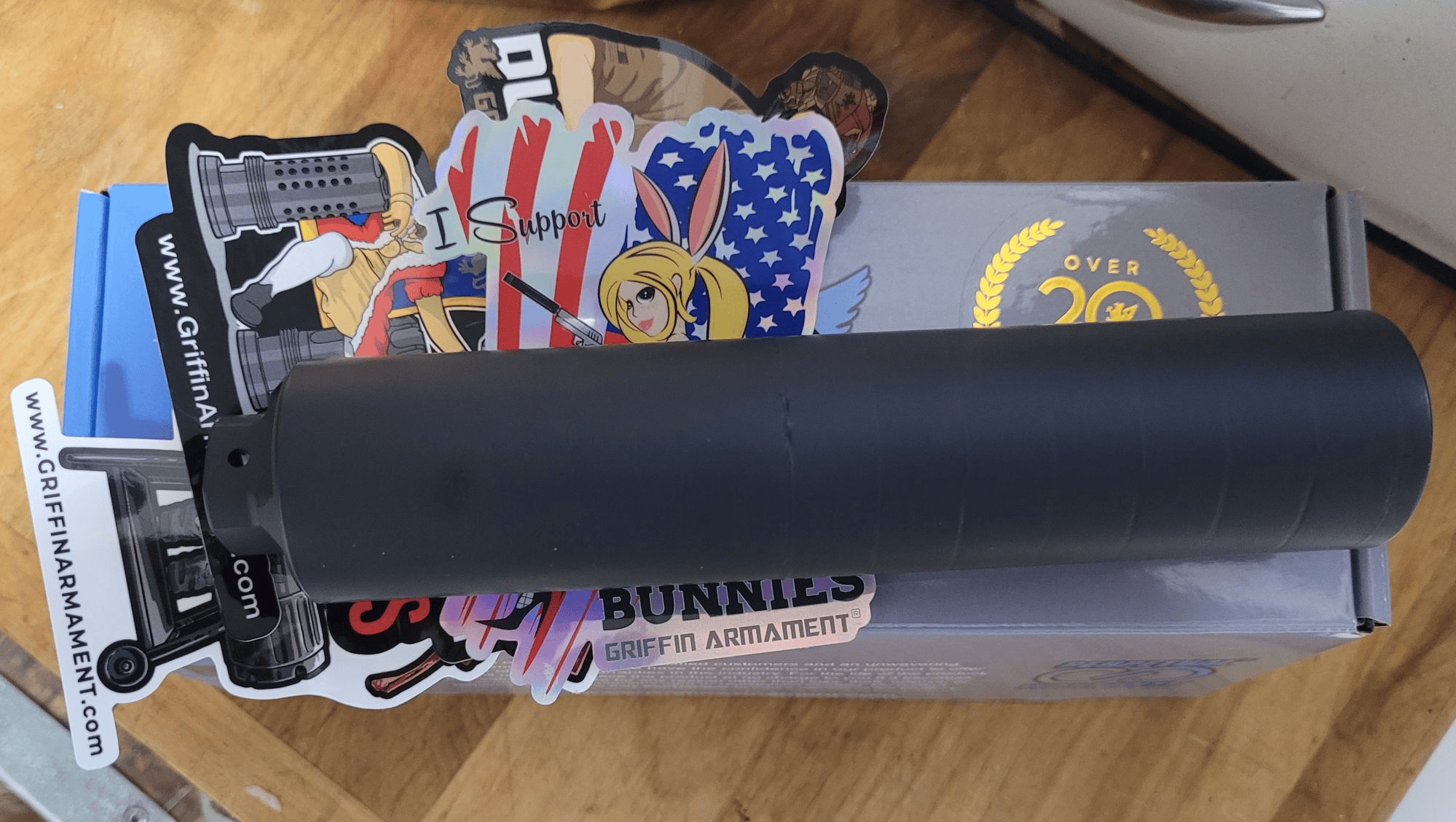 The answer is: a completed Form 3 (Application for Tax-Exempt Transfer of Firearm and Registration to Special Occupational Taxpayer ) form. In other words, my vendor shipped this suppressor (A Griffin GP-7) to me as if it was just any other non-NFA regulated firearm.
This particular suppressor is for a friend of mine as soon as Montana updates its laws regarding NFA stuff. Although on a Federal level this thing transfers like a 10/22 the fine state of Montana says that if you have any NFA toy it has to be registered in the NFA…. well, if the NFA toy is no longer being registered by the Feds, then you cannot register it and therefore are not in compliance with the state law.
My understanding is that there is some legislation planned for the 2027 session to address this. Additionally, ATFE will register (meaning they will add to the national registry) anything you submit, so you could voluntarily add your toy into the NFA registry and thereby be in compliance. From a practical standpoint, though, there is some hint that the State doesn’t really have any interest in pursuing the matter.
I will very plainly say that if you had bet me money a year or two ago that things like suppressors and short-barreled longarms were going to be basically ‘mainstreamed’ as regular firearms I would have bet you a lot of money against. And I am, of course, delighted to have been proved wrong. For now. But all it takes is a renewal of the tax and we are back to where we were. And, theres nothing to say that a reinstated tax will be $200 and not $2000. So, if I were you, I’d buy as much as I can while I can.
I’d be ordering a few more of these but my vendor has absolutely zero suppressors in stock. Since almost any FFL can order/sell suppressors now, the market for those items has grown exponentially. And I welcome that. But it sure makes getting ahold of things a bit tricky.
Elections are upcoming, so I’d recommend sooner rather than later.
A coyote wondering whats making that camera-like noise….

lux:725
Well, if youve got a bit over 1.6 million dollars laying around want the last word in survivability…here you go.
Everytime I see one of these, all I can think about is the logistical and maintenance issues that come with having to pump your waste 100 feet against gravity into a spetic tank.
While I think these are awesome in a I’ll-never-have-one kind of way, I’m also a fan of the old AT&T microwave relay stations that dot the countryside. Built to handle a nuclear blast, I looked at one of these 20 years ago. I wish I had the money back then that I do now because I’d have bought it in a heartbeat.
But, if you want the ultimate bugout retreat, well….it’s only money.
We’re all familiar with the stories about the self-firing Sig 320 pistols, right? I got some spam from a vendor about police-trade in P320’s…check this out:
The entire gun, with night sights and one magazine, is almost the same price as just the fire-control unit by itself:

Thats embarassing. No police department with a competent legal department can justify buying these things with their perceived problems, and the departments that already have them are throwing them out on the used market as fast as they can for the same reasons..
Do I worry about my P320’s going off on their own? Not really…no more than any other gun, which is say pretty much not at all. I may have a little less faith in it when it is dropped than I would, say, a Glock, but I generally don’t feel unsafe with the SIG. That said, the SIG is something I really only have because of the Flux Raider platform, so it isn’t like its in my everyday carry rotation. (For those who are curious 90% of the time my daily driver is either the Glock 17 when Im not at work, and the S&W 642 when I am. The other 10% of the time is just what I happen to be in the mood for at the time…often its either a HiPower or .357.)
If youre looking for something cheap to stash away, these arent a bad choice. I’d take them apart, inspect them, and then scrupulously follow the factory manual on how to reassemble them.
Well, yesterday was an absolutely beautiful day. It started out cold and by the afternoon I was sweltering up at the Beta Site moving stuff around. As is becoming a habit, here’s a weekly summary of highlights from the cameras:


 There is, apparently, no shortage of mule deer up there. Unfortunately, you cannot shoot mule deer in that hunting district. You can drop whitetails but I do not believe I’ve ever seen a whitetail up there. Well, when the apocalypse gets here things like hunting regulations will be a quaint memory.
This weekends trip was mostly just tinkering with the solar panels that I hae up there. I’d left them horizontal over the summer since that was easy and didnt really have a downside. Now that snow has started to show up, I need to move them up at an angle to help keep snow off them and to get as much of the low winter sun as possible.
I’ll be up there next weekend for the start of hunting season. After that, I doubt I’ll be up there every weekend but I’ll be up there at least once a month, if I can, so I can see how the the road conditions change over the winter.